Most CMMS marketing is aimed at companies with hundreds of facilities and dedicated maintenance planners. If you run one to ten facilities, here is what actually matters when picking a tool.
Must-haves
Mobile-first task completion
Technicians work on phones. If logging a task takes more than two taps on mobile, the tool will not be used. Test this with a real technician before you buy.
Recurring task automation
You should never be hand-creating "weekly fire extinguisher check" tasks. The tool should auto-generate them on the schedule you set.
Photo verification
"I closed the cooler door" is not evidence. A timestamped photo is. The tool must make taking and attaching a photo as fast as completing the task.
Audit trail
Every action — completion, edit, skip, reassignment — needs to be logged, queryable, and exportable. This is the difference between passing and failing an inspection.
SOPs attached to tasks
A task without a procedure is a guess. The tool should let any task open the relevant SOP in one tap.
Nice-to-haves for small teams
- Vendor portal — only matters if you outsource specialised work.
- Inventory tracking — overkill unless you stock more than 50 SKUs.
- Asset depreciation — your accountant probably handles this in QuickBooks.
- IoT sensor ingestion — wait until you actually have sensors deployed.
Red flags
- A demo that requires booking a sales call before you can see pricing. Small teams need fast decisions.
- Per-asset pricing. Asset counts grow as you document, punishing thoroughness.
- Annual contracts only. Month-to-month is the norm for SMB software now.
- No mobile screenshots on the website. Means mobile is an afterthought.
- "Built on Excel" or "no-code platform". These usually mean fragile and slow.
Pricing benchmarks (2026)
| Team size | Realistic monthly spend |
|---|---|
| 1 facility, 1–3 users | $20–$80 |
| 1 facility, 4–10 users | $80–$200 |
| 2–5 facilities, 10–25 users | $200–$600 |
| 6–10 facilities, 25–50 users | $600–$1,200 |
If a vendor quotes 2–3x these numbers, ask what you are getting that the rest of the market includes by default.
How to evaluate in 1 week
- Day 1–2: sign up for a free trial of 2–3 tools. Pick the one with the best mobile experience after 10 minutes of use.
- Day 3: import (or recreate) your 10 most important cadences.
- Day 4–5: run a real shift on the tool. Have at least one technician who is not a power user complete tasks on a phone.
- Day 6: generate an Insights report. Can you answer "what fraction of our daily tasks were completed on time last week?" in under a minute?
- Day 7: decide.
Where MaintIQ fits
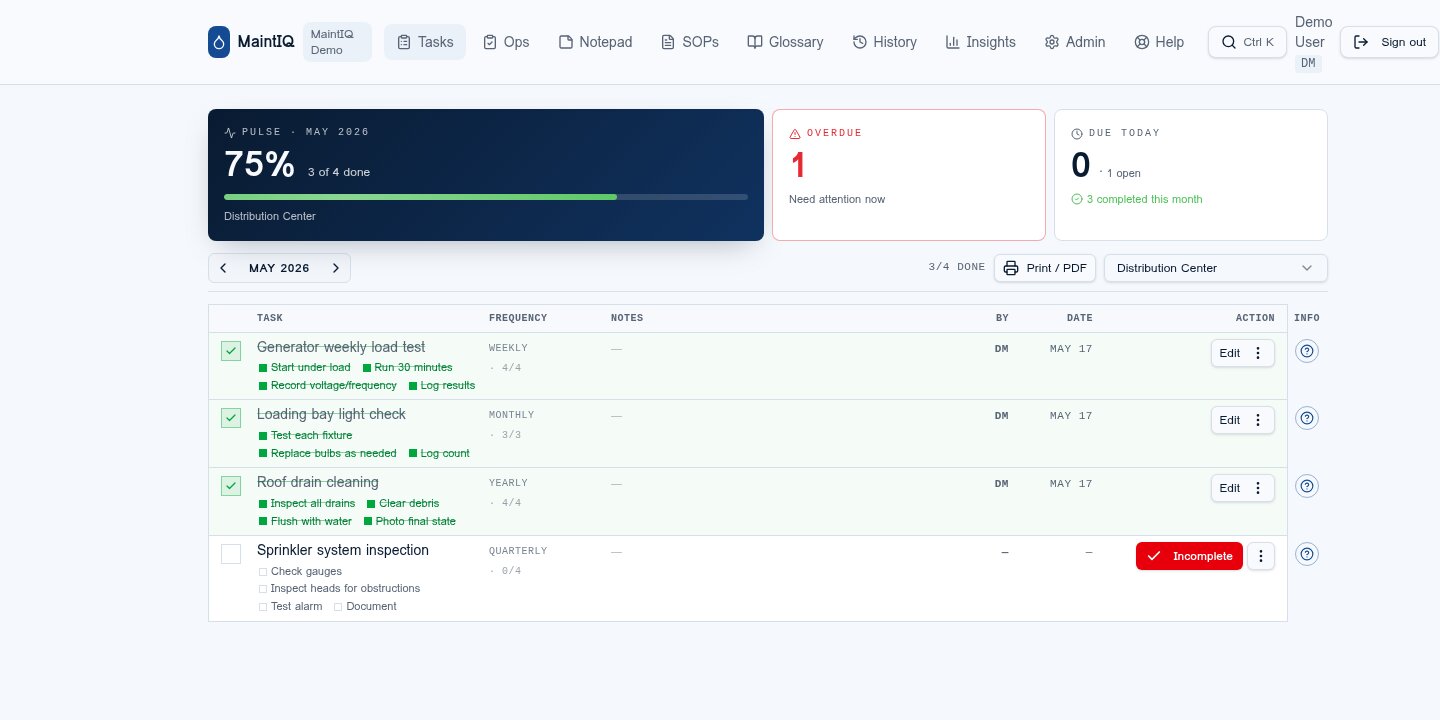
MaintIQ is built specifically for facilities with one to ten sites: mobile-first task completion, automated cadences, photo verification, audit trail by default, SOPs linked to tasks. Pricing starts at Starter for single-facility teams and Growth for multi-site operators. See choosing a plan.